Looking for HubSpot CRM alternatives usually starts with a growing concern. The concern being rising costs, complicated workflows, limited flexibility, or a CRM that no longer fits your team’s needs. But switching platforms is more than choosing another software subscription. Businesses must evaluate functionality, migration effort, integration, scalability, and long-term value before making a move. The right alternative should simplify operations without disrupting customer relationships.
Explore ConvergeHub – Book a Demo
HubSpot is a popular CRM platform, but what works for one business may not work for another. As teams grow, their sales processes become more complex, customer touchpoints multiply, and software expenses begin to add up.
For some businesses, the challenge is pricing. For others, it is managing multiple hubs, maintaining integrations, or finding the flexibility to adapt CRM workflows to their existing processes.
Before exploring HubSpot CRM alternatives, identify what is prompting the change. Are you looking to reduce costs, consolidate tools, improve sales productivity, or give your teams better visibility into customer interactions?
The answer will help you avoid switching to another CRM that creates the same problems in a different interface.
Common reasons businesses consider switching include:
If these challenges sound familiar, the next step is to compare platforms based on the operational value they deliver—not just the features listed on their websites.
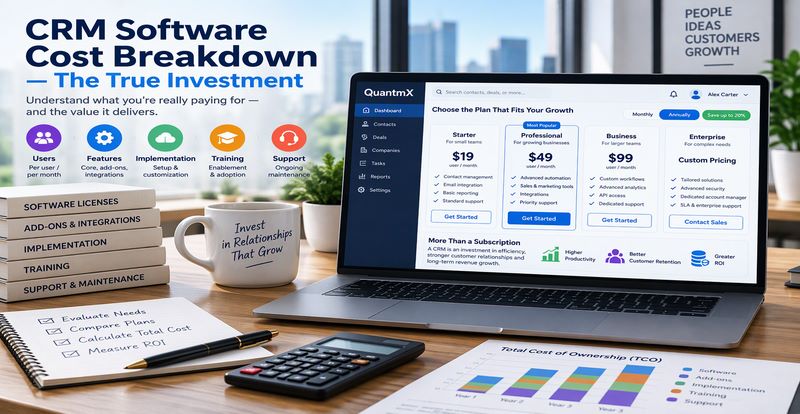
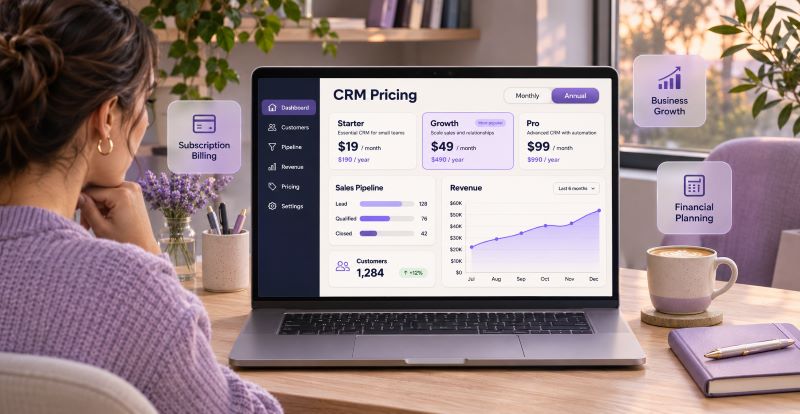
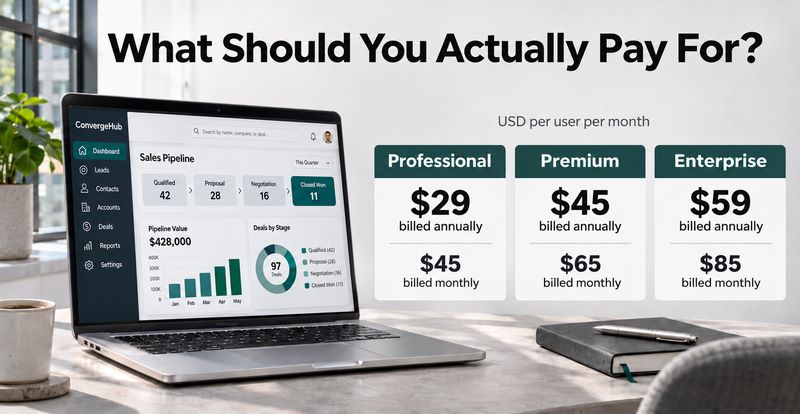
Subscription pricing shouldn’t be the only factor when evaluating HubSpot CRM alternatives. Consider the total cost of ownership, including licenses, feature upgrades, integrations, onboarding, and administration.
| Cost factor | What to evaluate |
| User licenses | Costs as your team grows |
| Advanced features | Automation, reporting, and customization |
| Marketing tools | Campaigns and lead nurturing |
| Integrations | Third-party tools and connectors |
| Onboarding | Setup and migration expenses |
A CRM that combines sales, marketing, customer service, and billing may help reduce the need for multiple subscriptions.
Explore ConvergeHub pricing to compare plans and evaluate your requirements.
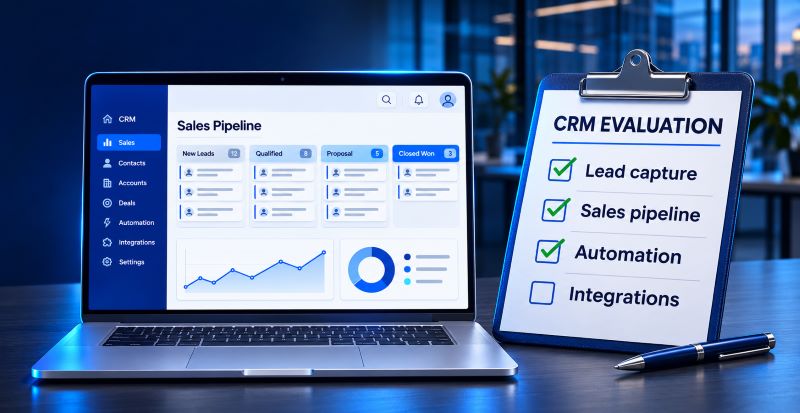
Your CRM should support the complete customer journey, from lead capture to conversion and ongoing customer relationships.
Before switching, compare:
Businesses looking to consolidate these capabilities should explore CRM platform comparisons to understand how different solutions meet their requirements.
Automation can reduce repetitive tasks, improve follow-ups, and make sales processes more consistent.
Evaluate whether the alternative offers automated lead assignment, task reminders, workflow triggers, email sequences, and customizable sales pipelines.
AI capabilities may also help with email drafting, lead prioritization, customer interaction summaries, and routine CRM activities. However, focus on practical benefits, availability, and pricing rather than feature labels alone.
The CRM should adapt to your sales process instead of forcing your team to change how it works.
Switching CRM platforms involves more than moving contacts. Businesses may need to transfer companies, deals, custom fields, communication history, and workflows.
Before committing, check:
Cleaning outdated and duplicate records before migration can make the new CRM more effective from the start.
A CRM is only valuable when employees consistently use it. Evaluate how easily your team can update records, manage tasks, access customer information, and monitor deals.
Also consider future requirements, including additional users, multiple sales pipelines, reporting, automation, and team expansion.
The right platform should be easy to adopt today while supporting your business as it grows.
Different CRM platforms cater to different business requirements. Shortlist options based on your budget, workflows, and the capabilities your team actually needs.
| CRM | What to evaluate |
| Salesforce | Advanced customization and enterprise requirements |
| Zoho CRM | Affordability and wider Zoho ecosystem |
| Pipedrive | Sales pipeline visibility and ease of use |
| Freshsales | Sales engagement and CRM automation |
| monday CRM | Configurable workflows |
| ConvergeHub | Connected sales, marketing, service, and billing capabilities |
Businesses considering ConvergeHub can explore the following comparisons:
If you’re exploring HubSpot CRM alternatives because of rising costs, disconnected workflows, or the need for multiple applications, ConvergeHub is worth evaluating.
It offers capabilities across sales, marketing, customer service, billing, automation, and customer relationship management, helping businesses manage customer-facing processes within a connected platform.
Instead of switching to another CRM and rebuilding fragmented workflows, consider whether a unified solution can simplify your operations.
Compare HubSpot vs ConvergeHub to assess which platform better fits your business requirements.
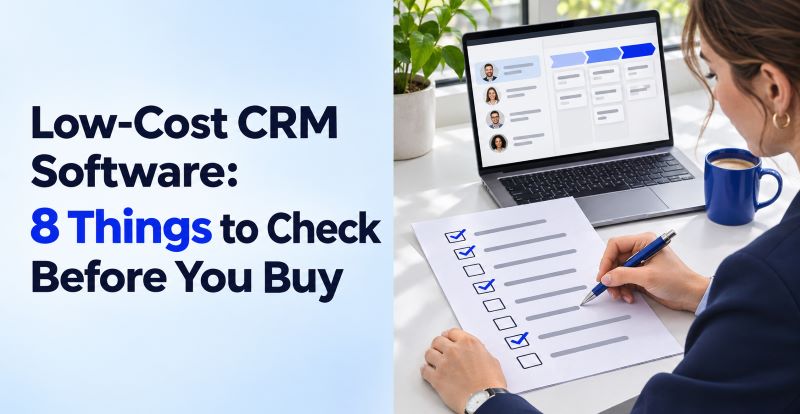
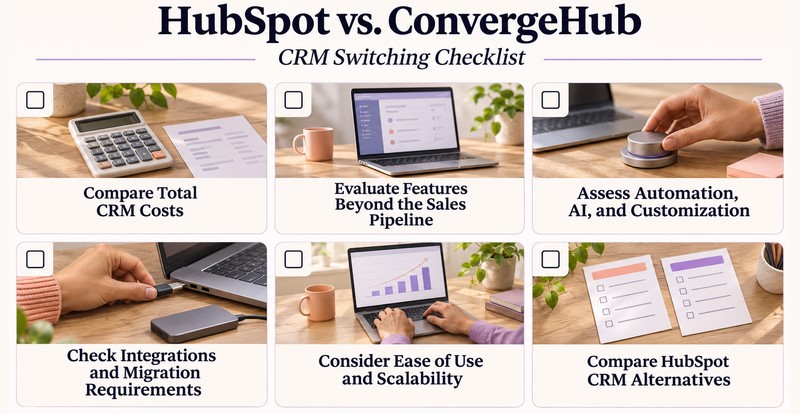
Before choosing your next CRM, make sure you evaluate the right factors. Use our free checklist to assess CRM costs, features, automation, integrations, migration requirements, and scalability before making the switch.
Download our free HubSpot CRM Switching Readiness Checklist and make a more informed CRM decision.
[Download the Free Checklist ]
Choosing among HubSpot CRM alternatives requires more than comparing feature lists or subscription prices. Businesses should evaluate total cost, workflow flexibility, automation, integrations, migration effort, user adoption, and scalability before switching. The right CRM should simplify everyday operations while supporting future growth. If your team wants connected sales, marketing, service, and billing capabilities, explore ConvergeHub as an alternative to HubSpot. Compare both platforms, assess your requirements, and make your next CRM investment with confidence.
Popular options include Salesforce, Zoho CRM, Pipedrive, Freshsales, monday CRM, Insightly, and ConvergeHub. The best choice depends on your budget, workflow requirements, integrations, and business size.
Businesses may switch because of pricing, feature limitations, complex workflows, integration requirements, or the need to consolidate multiple customer management tools.
Evaluate total cost, features, automation, integrations, data migration, user adoption, reporting, scalability, and customer support before making a decision.
Small businesses may consider Zoho CRM, Pipedrive, Freshsales, and ConvergeHub based on their budgets, required features, ease of use, and growth plans.
Migration complexity depends on data volume, custom fields, integrations, workflows, and historical records. Proper planning and data validation help reduce disruptions.
Yes. Eligible contacts, companies, deals, and other records can generally be exported and migrated, subject to platform compatibility and data mapping requirements.
Compare contact management, sales pipelines, marketing automation, reporting, customer service, integrations, customization, AI capabilities, and pricing.
Yes. Some platforms offer sales, marketing, and customer service capabilities within one solution. Businesses can explore ConvergeHub vs HubSpot to evaluate an integrated CRM option.
Compare total ownership costs, including subscriptions, users, upgrades, integrations, onboarding, and support. Avoid comparing only entry-level pricing.
Review its CRM features, automation, sales, marketing, service, billing, pricing, and integrations. Explore the HubSpot comparison page and request a demo to assess its suitability.